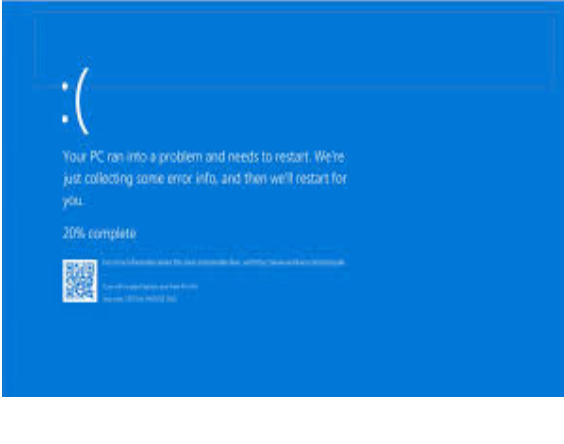
Here are some tips on why your PC might not be turning on, on the first boot.
- Make sure the power supply is switched to 1, not 0.
- Make sure cables are fully seated.
- Make sure your HDMI or DisplayPort is plugged into you GPU not motherboard.
- Confirm the GPU is installed properly – it should be fully pushed into the PCIe slot and screwed in securely.
- Check for motherboard standoffs – the board should be mounted on risers, not touching the case directly.
- RAM sticks pressed down until both side clips snap in.
- Case power button cables connected to the correct pins on the motherboard